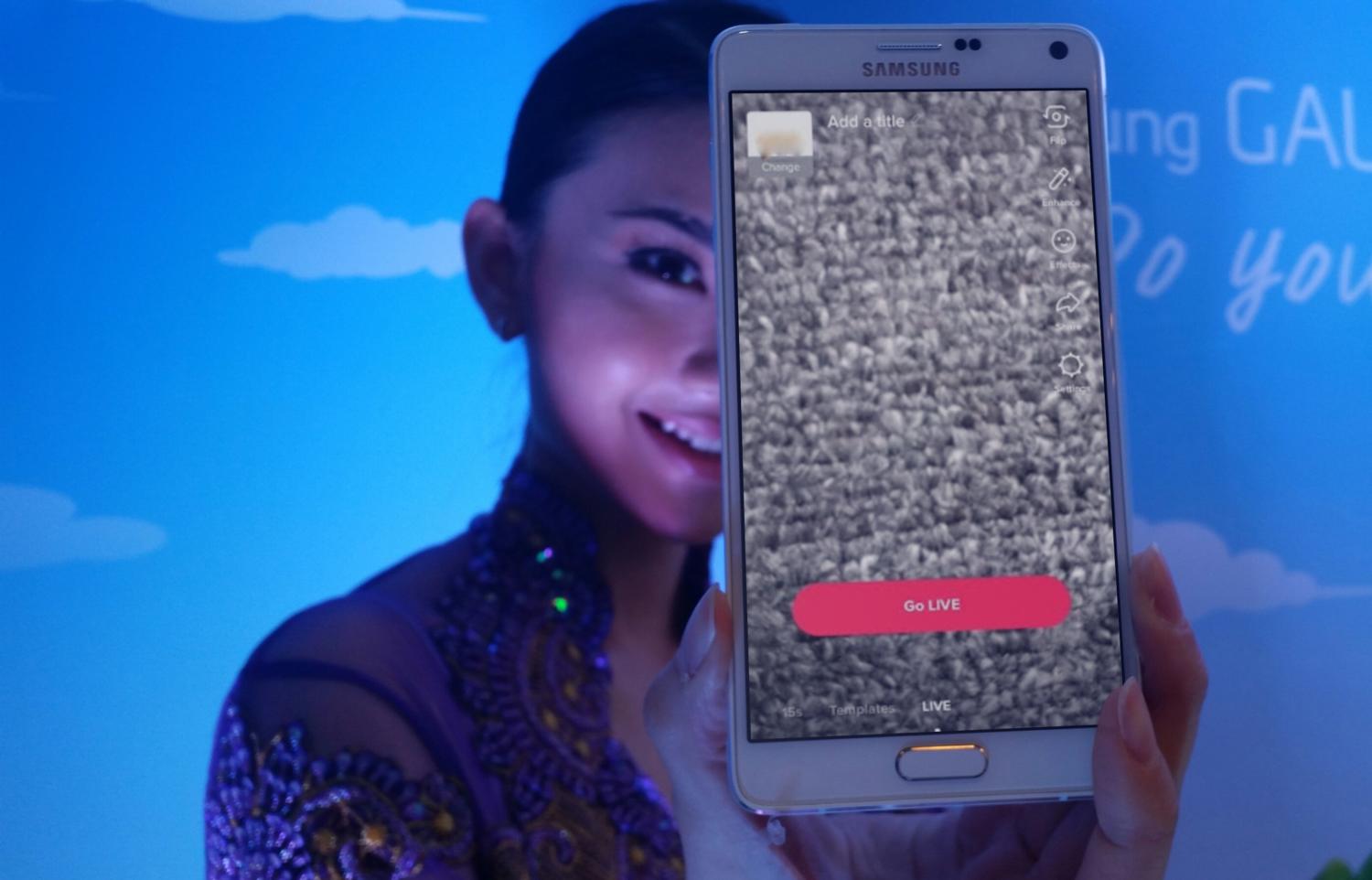
TikTok Live allows creators to stream live, real-time videos that can be viewed by other users of the app. Viewers can comment, send gifts and join the live call. Streamers can also interact with their audience in many ways. Live is a popular content format that is one of the pillars of TikTok’s viewing features.
This guide will help you get started with a quick breakdown of how to go live on TikTok.
Who is allowed to live stream on TikTok?

TikTok is selective about who they allow to go live on their platform:
- You must be 16 years and over to live stream in TikTok. While TikTok’s minimum age is 13, they are more restrictive on who can go live.
- You must have 1000 followers for immediate approval. If you have less than 1000 followers, there are still ways to go live, but they are slightly more difficult.
- You must be 18 years and over to either send or receive gifts during a LIVE video.
With 1,000+ Followers
If you are at least 16 years old and have over 1,000 followers, follow these steps to go live on TikTok.
- Click on the Camera icon shaped like a white rectangle with a plus.

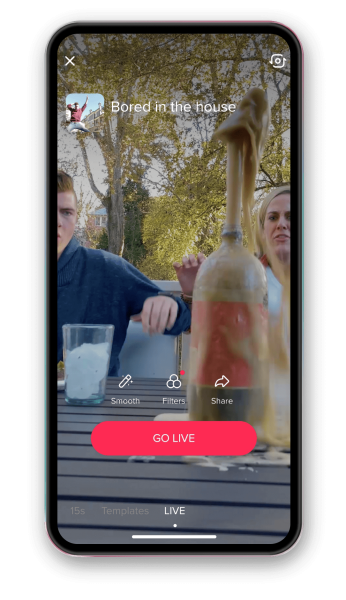
Find and tap the Camera Icon on TikTok - Scroll through the text under the red record button until you see the words LIVE.

Scroll to LIVE in the text under the red Go LIVE button. - Before selecting Go LIVE, add a title and choose your live stream’s topic. Try to come up with something catchy and engaging! Next, choose a background photo, filters, topics, and any other template you want to show on your stream.
- Finally, tap the Go LIVE button to begin your live stream.
With Less Than 1,000 Followers
If you are 16 years old and over, but haven’t yet reached the 1,000 followers threshold, there are still ways to go live. This method involves contacting TikTok support with a message that you want to be able to go live.
While it does not 100% guarantee that you can go live, this technique does have a high likelihood of working according to most user reports. Additionally, you will need to wait for roughly 48 hours before the live features are activated for your account. Follow these steps to do this.
- Tap the Profile icon on the lower right side of the app.

- Tap the three horizontal lines on the top right corner of your profile. Then select the Settings and privacy menu.

- In the next window, scroll down to where it says Support, and tap Report a problem.

- Tap the item that says I can’t start a LIVE.
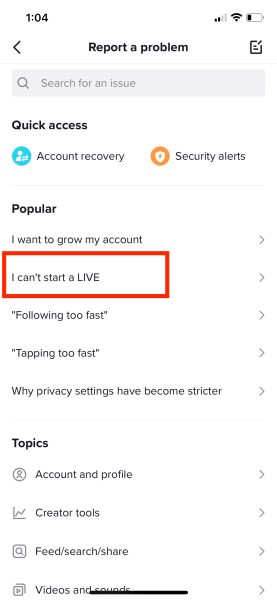
Find the tab that shows the problem you’re having with LIVE. - There will be recommendations offered and a notification that asks “Is your problem resolved?” Tap the thumbs-down option that says No.

Tap No.
- Next, select Report a problem. In the Tell us your feedback window, type the following message: “Hello, I can’t access TikTok Live. Can you unlock it for me?”. Then, click Report.

- Your request will usually be processed within 48 hours. After, TikTok’s streaming features will be enabled for your account!

I’m Susan, the founder of Learn Social Media. As a caregiver I regularly work with vulnerable groups, such as with the elderly in nursing homes, and children with disabilities in schools. During my work, I noticed these groups struggle to keep up with new technologies.
When it comes to social media, this often led to feelings of isolation and “being left out”. The thrill I experienced creating TikTok dance videos with children with disabilities, or helping elderly folks reconnect with old friends and loved ones on Facebook, is what inspired me to launch this project.
Read more about my project here: About Learn Social Media. Feel free to contact me at any time at [email protected], I spend my evenings responding to ALL messages!