
Deactivating your Pinterest account is a great way to take a break from the social media website. It’s a safe choice as you always have the option to start from where you left. However, if you have decided to resume your Pinterest journey, reactivate your account by following this guide.
Note: Pins and Boards for your deactivated account will not be visible to anyone until you reactivate the account.
Reactivate your Account on iPhone or Android
- Launch Pinterest on your smartphone and log in using the registered email address and password of the deactivated account. You can also use Facebook, Google, or Apple if they were used to create your account.
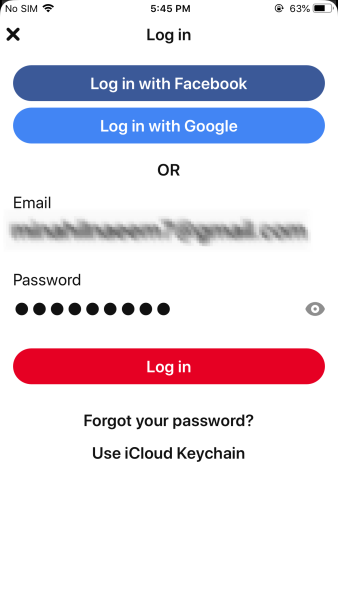
Enter the email and password in the Pinterest app to reactivate - You will be directed to the Pinterest Homepage on the app. All the Boards and Pins will also become visible.
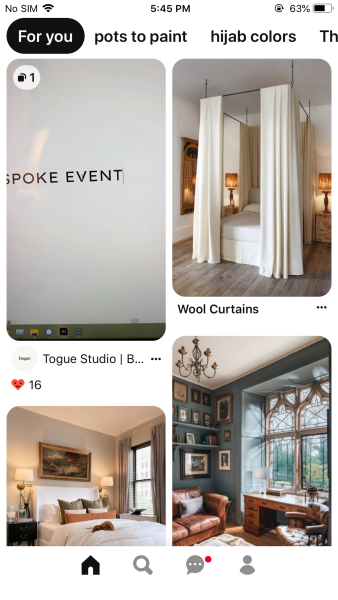
Pinterest app homepage after reactivating your account
Reactivate your Account using the Pinterest Website
- Log in to your deactivated Pinterest account on the Pinterest website.
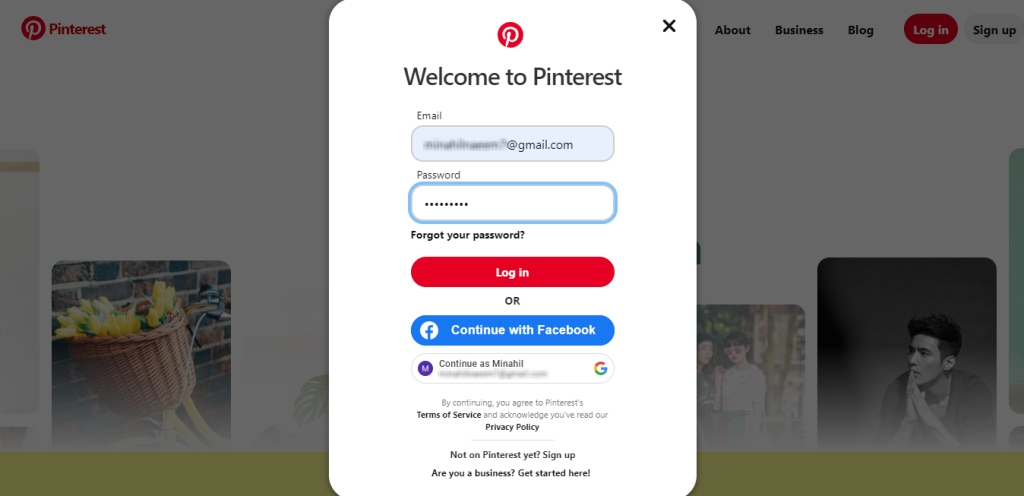
Enter the email and password to reactivate your Pinterest account - Once you log in, you will be redirected to the Pinterest homepage. Your account is now reactivated!
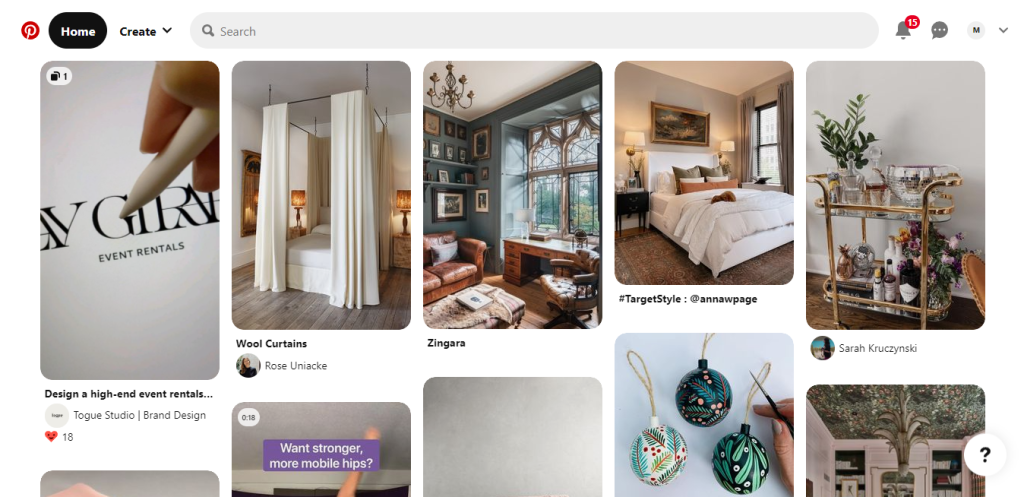
Homepage after reactivating your account on the website Note: You will also receive a welcome back email on the registered email address to notify you about the reactivation.
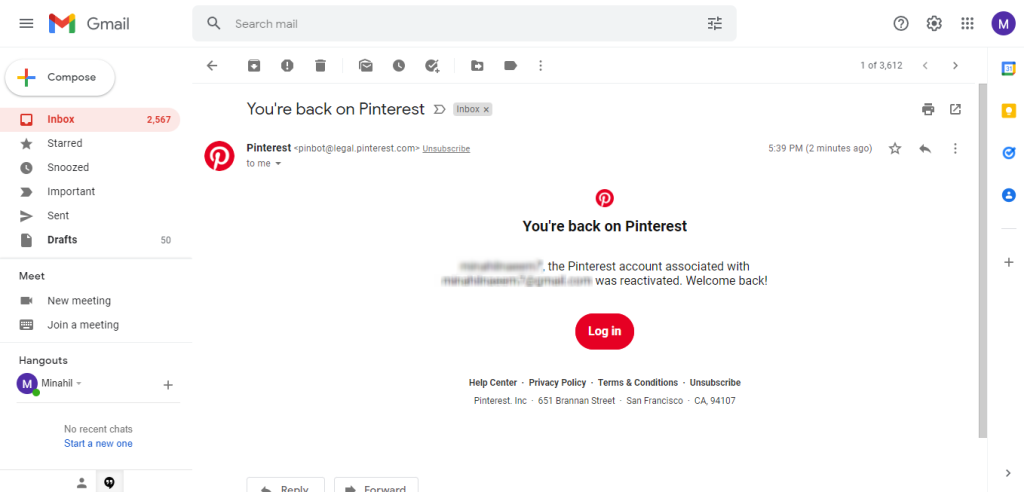
Welcome back email from Pinterest on the registered email address
I’m Susan, the founder of Learn Social Media. As a caregiver I regularly work with vulnerable groups, such as with the elderly in nursing homes, and children with disabilities in schools. During my work, I noticed these groups struggle to keep up with new technologies.
When it comes to social media, this often led to feelings of isolation and “being left out”. The thrill I experienced creating TikTok dance videos with children with disabilities, or helping elderly folks reconnect with old friends and loved ones on Facebook, is what inspired me to launch this project.
Read more about my project here: About Learn Social Media. Feel free to contact me at any time at [email protected], I spend my evenings responding to ALL messages!